How to check a used phone: ask your questions before the meetup, request photos of specific details and run a quick on-site test before you pay. The check takes about ten minutes and covers the battery, screen, camera, connectivity and paperwork. If the seller rushes you or refuses a test, that's reason enough to walk away.

Most people buy a phone at a meetup in a mall, a parking lot or a doorway, often browsing the listing on the go and relying on first impressions. That's a weak basis for a decision. A device can look flawless on the outside and still have a battery, charger or microphone problem that only shows up during a call.
The list below is ordered so you can follow it from your own phone: first preparation at home, then the on-site inspection and finally how to close the deal. On EX & GO listings you can compare prices and descriptions across cities, and the posting rules are on a separate page: listing rules. Listing moderation does not confirm identity, ownership or the device's condition, so the check remains your job.
What should you ask the seller before the meetup?
Message the seller in the platform chat before you agree on a time and place. A written conversation gives you time to think and leaves a record of what was promised. Ask specific questions, not general ones.
It's useful to ask for:
- The exact model, storage version and color, not just "iPhone 13".
- How long it's been used and how many owners it's had.
- Whether there are signs of repair, a replaced screen, a replaced battery or an opened case.
- What's in the box: charger, cable, headphones, original packaging.
- Whether there's a proof of purchase, invoice or store receipt.
- Why it's being sold and whether anything doesn't work.
- Whether you can test it with your SIM card and whether the device is carrier-locked.
Ask for photos of the screen on a white background, the back, the frame around the corners and the charging port. These four shots show more than ten photos in low light. If the seller only sends ready-made catalog photos, ask if they can take new ones.
If the seller won't answer a question about repairs or the battery, don't treat it as a minor detail. The lack of an answer is information in itself, and it's better to get it before the meetup than after you've paid.
What documents and proof should you ask for?

Proof of purchase isn't mandatory for every deal, but when it exists it shows the origin and purchase date. Ask for an invoice, a receipt or an email from an online store. A screenshot of the order also works, as long as the model and date are visible.
For devices with a warranty, ask whether the warranty card is in the buyer's name and whether it can be transferred. Terms vary between retailers, so don't rely on a verbal assurance. Check them with the service center or retailer itself.
If it's a company device or a purchase from a business, ask for a document that links the seller to the device. When the seller can't show anything, that's not automatically a problem, but it changes your decision on price and payment method.
For questions about transaction security and how the platform works, see EX & GO support. That's also the place to complain if something in the listing or the conversation doesn't match what was described.
On-site check: what should you test step by step?
The on-site check is a sequence, not a random look-around. Set aside at least ten minutes and don't let the seller rush you. If the meetup is outdoors, find a shaded spot so you can see the screen.
- Compare the IMEI number on the screen with the one on the box and the number shown in the settings. Three different numbers are a reason to stop.
- Check that the phone powers on from off and that it charges with your charger.
- Insert your SIM card and call a known number. Listen to whether the microphone and earpiece work on both ends.
- Connect to Wi-Fi and open a heavy website. See whether the connection is stable within a minute.
- Take a photo and a short video. Play them back to check the camera, sound and gallery.
- Open a white page in full screen and inspect it at an angle for spots, lines and pressure marks.
- Check the touchscreen at the corners and edges, where defects most often hide.
- Play sound through the speaker and listen at both low and high volume.
- Check the battery status in the settings and ask whether it's been replaced.
- Check the buttons, charging port and SIM slot for looseness or dirt.
- Restart the phone and see whether it returns to the home screen without delay.
- Check that there are no active locks to the previous owner's account.
The last point deserves special attention. If during initial setup the phone asks for a password from someone else's account, the device isn't unlocked. Don't pay until the seller clears it in front of you and shows that setup goes through without a password.
What are the common hidden defects and how do you spot them?
Hidden defects are rarely visible at first glance. Most often they're a worn battery, a replaced screen with inaccurate color, a microphone problem during calls and an unstable connection. Each of these faults has a simple test that takes a minute.
A worn battery shows up as a fast percentage drop under load. Play a video for a few minutes and watch whether the drop is even. A replaced screen often lacks auto-brightness or has a different viewing angle from the original panel.
A microphone problem only shows up during a call, not in a voice message. So make an actual call. If you hear cutting out or noise, ask for a second call before you decide.
A crack under a screen protector is visible when you lift the corner of the film. If the seller won't let you look, that's a red flag. Also ask about signs of water damage: spots on the screen, condensation under the camera or dirty contacts.
How to buy a used phone safely and close the deal?
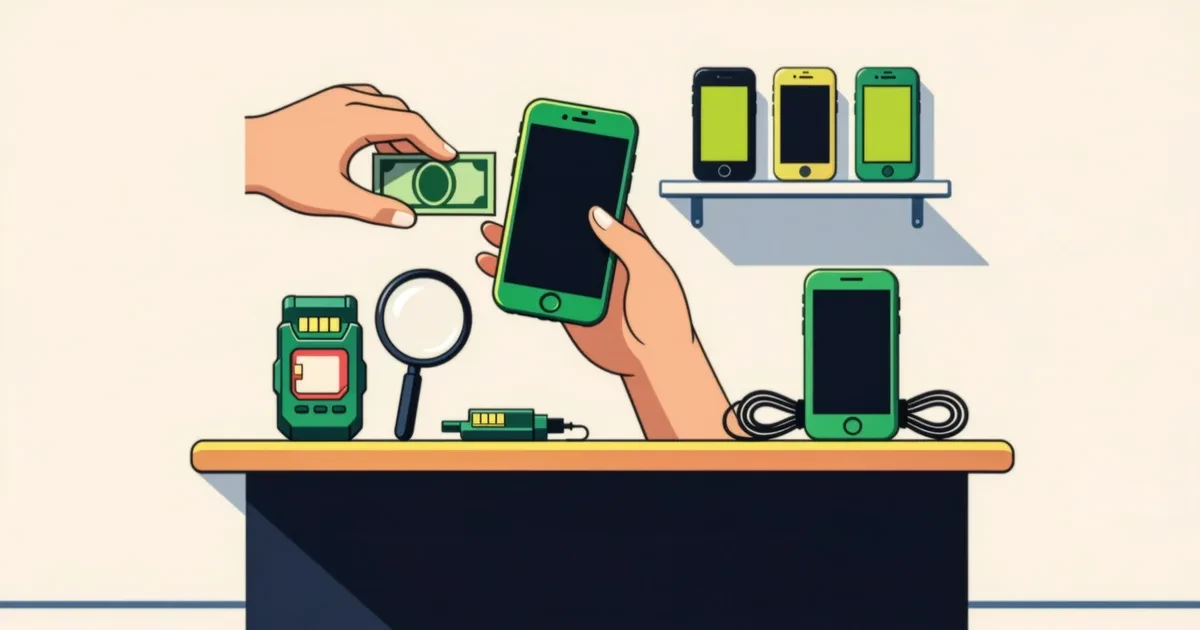
Closing the deal is the last and most important step. Payment is arranged directly between buyer and seller, and the terms depend on the specific listing and the chosen payment method. Don't rush the transfer before you've been through the checks.
Pay on the spot after the test has passed, and ask for a receipt or at least a written confirmation in the chat with the model, price and date. If the seller insists on an advance bank transfer or a gift card, refuse. Those methods leave no trace and don't give you a chance to check the phone.
When buying remotely, compare several listings on EX & GO to see the usual price for the model in your city. used phones Sometimes the platform offers a safe deal option for certain listings, but the terms are specific and must be read in advance, not taken for granted.
If you're buying as a gift or for a child, take the time to check the parental control settings too. used phones in Sofia For official requirements on documents and warranties, contact the relevant authorities, for example the Consumer Protection Commission for questions about commercial warranties, or the Ministry of Interior if you suspect the device's origin.
What should you do if something goes wrong after the purchase?
If after the purchase you find a defect that wasn't mentioned, the first step is a written message to the seller describing the problem and including photos. Keep the conversation and the listing. If communication was through EX & GO, use the platform chat so there's a record.
If you suspect fraud, contact platform support and file a report. Don't send additional sums and don't agree to "compensation" in the form of a new transfer. If the case is serious, seek advice from the police or a consumer organization.
Your next step is simple: open the listing you're considering and ask the first three questions from the list today. Then schedule a meetup in daylight and bring your own SIM card and charger.
Questions and answers
Can I check the phone without buying it on the spot?
You can ask the seller for photos and video, but a full check can only be done in person. Ask for a short video showing the phone powering on, displaying the IMEI number in the settings and restarting. This doesn't replace testing with your own SIM card, but it filters out listings where there's an obvious mismatch between the description and reality.
How can I tell if the battery has been replaced?
Ask directly and compare the answer with the battery status in the settings. If the phone has been opened, there are often marks on the frame or a slight misalignment of the panel. If in doubt, ask for a few minutes of load testing and see whether the percentage drops evenly. Don't rely on verbal assurances without a test.
Why is it important to check the IMEI number?
The IMEI number links the specific device to a specific box and to the record in the settings. If the three numbers don't match, there's reason to ask questions. The check takes seconds and is one of the few that requires no special knowledge or tools.
What should I do if the seller wants payment before the meetup?
Refuse. Paying in advance doesn't give you the chance to check the phone and leaves no record of what exactly you paid for. Suggest meeting in a public place and paying after the test. If the seller won't agree, look for another listing.
Where should I report a listing that doesn't match the description?
Use the platform chat and contact EX & GO support, attaching photos and a description of the discrepancy. Keep the listing and the conversation. If you suspect fraud, also contact the police. Listing moderation is not a guarantee of the phone's condition, so your documentation is important.