Ten minutes of inspection at the meeting saves you from 90% of trouble. Here's the full checklist — from the body to carrier locks. Print it or keep it open on your phone.
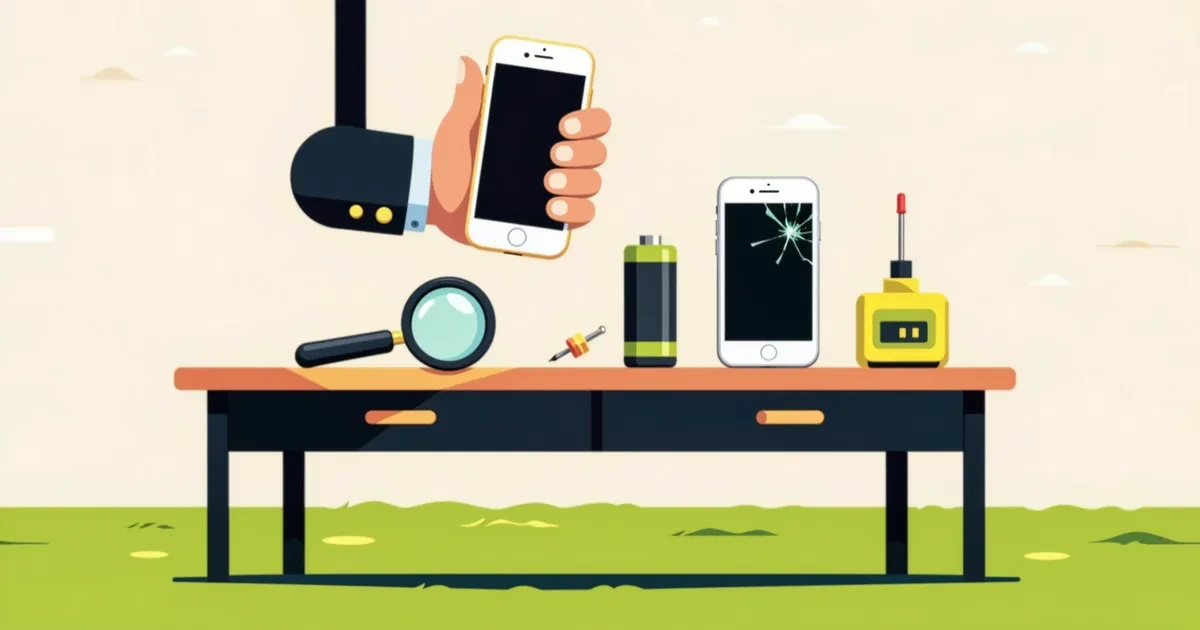
Before the meeting
Ask in the chat for a photo of the powered-on screen, the IMEI number (dial *#06# on the spot) and battery health info. Refusing to share the IMEI is a serious red flag.
Check the IMEI on the manufacturer's site (warranty status) and in stolen-phone databases via online IMEI checkers.
Body and screen
Inspect the body under bright light: cracks near screws and pry marks mean it's been opened. Uneven gaps between screen and frame mean the screen was likely replaced (possibly with a copy).
Screen: show a white image at full brightness (spots, yellowing, burn-in), drag a finger across the entire surface (dead touch zones), test brightness at minimum and maximum.
Battery and hardware
On iPhone: Settings → Battery → Battery Health — below 80% means a replacement soon. On Android, check via service codes or apps like AccuBattery.
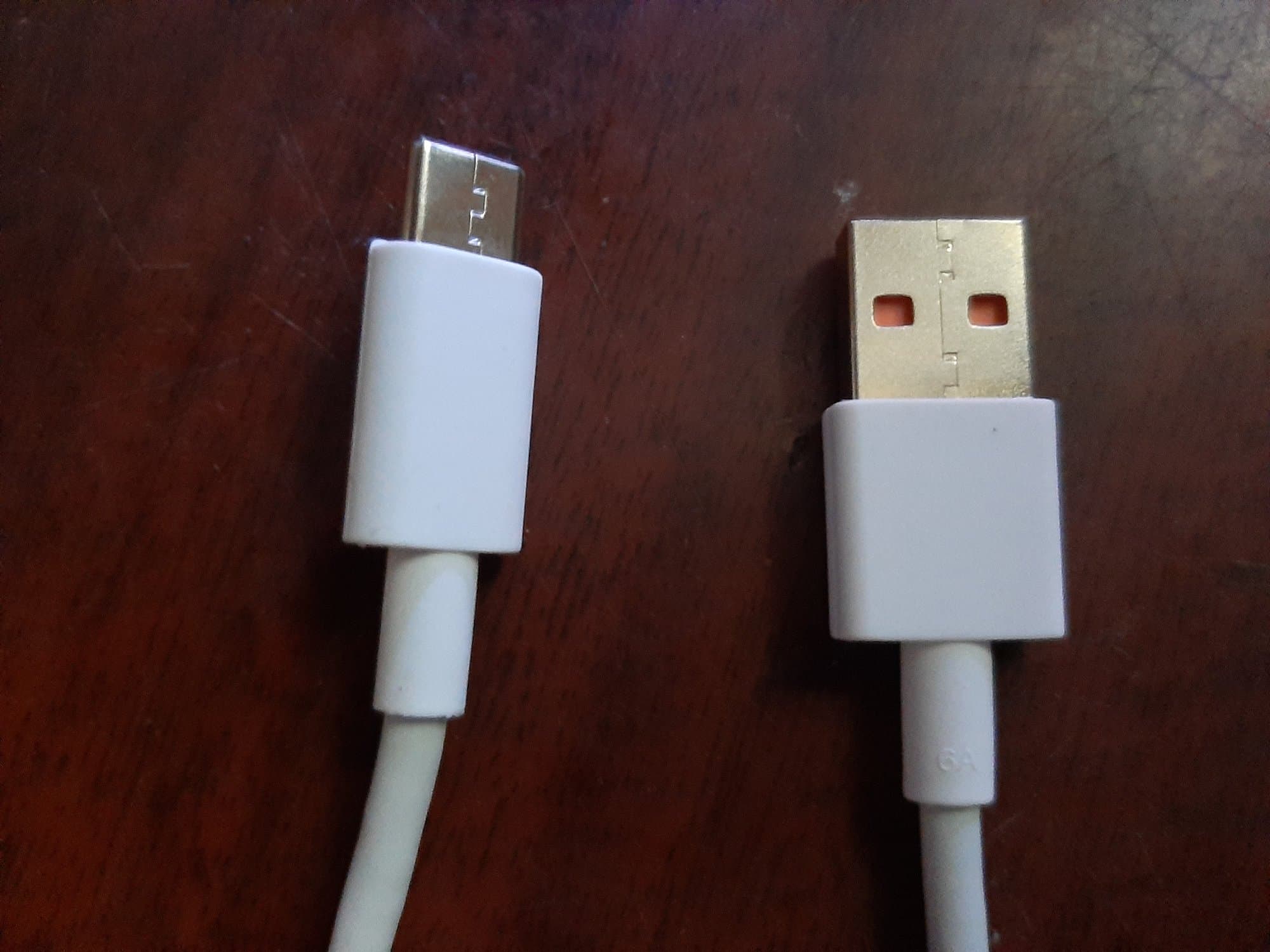
Test everything that commonly fails: cameras (take a photo with each), speakers and microphone (voice recorder + a call), the charging port (cable should fit snugly), buttons, Face ID / fingerprint, Wi-Fi and mobile data.
Locks — the most important part
The iPhone must be signed out of the seller's iCloud in front of you: Settings → [name] → Sign Out. "Sold with account" or "I'll sign out later" = don't buy. A phone with someone else's Apple ID is a brick.
Android: ask the seller to factory-reset the phone in front of you and set it up from scratch — this reveals any Google FRP lock. Also make sure the phone isn't financed or carrier-locked.
Papers and accessories
A box with a matching IMEI, a receipt or warranty card is extra protection — both against stolen devices and for future resale.
After buying, immediately sign in with your own account and set your own passcode — until then the deal isn't finished.